Disclosure: As an Amazon Associate I earn from qualifying purchases. How this site works
Where to Order Personalized T-Shirts
Each category below links to current listings on Amazon (opens in a new tab). Use this checklist to compare custom t-shirt options before you buy.
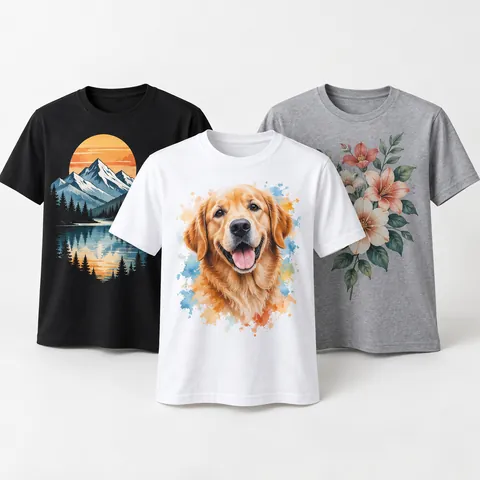 Custom t-shirt printing services (DTG/DTF)
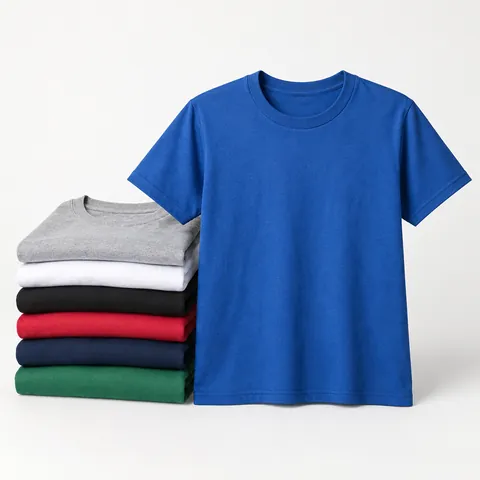 Bulk and screen-printed t-shirts
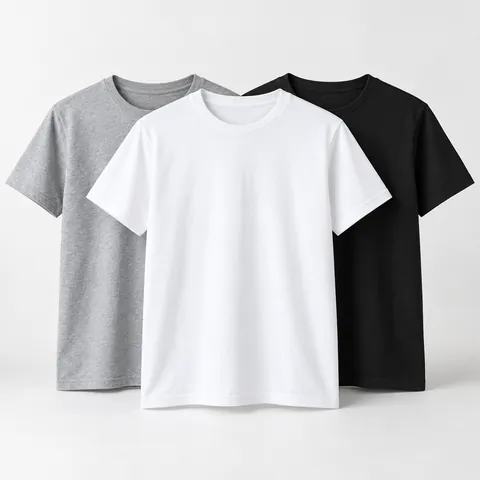 Blank t-shirts for DIY printing
Before you order
- Confirm the print method suits your design and quantity.
- Check minimums and price breaks.
- Review the shirt’s fabric, weight and size chart.
- Approve a digital proof.
- Check production time, shipping time and the reprint guarantee.
Categories referenced on this site
- Custom t-shirt printing services (DTG/DTF)
- Bulk and screen-printed t-shirts
- Blank t-shirts for DIY printing
Local print shops
Local screen printers and embroidery shops can show samples, advise on artwork and often deliver faster for events. Bring vector artwork and your size list.
Should I order personalized t-shirts online or from a local shop?
Online custom shirt sellers are usually the easiest choice when you want to upload art, choose a shirt, and place an order without meetings. They are especially convenient for one-off gifts, small batches, family trips, simple business shirts, and designs that use many colors. If you need only one or a few shirts, start with no-minimum custom t-shirt printing and compare the total delivered cost, not just the base shirt price.
A local shop is often better when the order has a hard event date, a large size range, special placement, or artwork that needs cleanup. You can usually handle color matching, shirt samples, and press checks more easily in person. Local shops may also tell you when a design will not print well before you spend money.
- Choose online if your artwork is ready, your deadline has cushion, and you want simple ordering.
- Choose local if you need samples, advice on sizing, rush handling, or multiple decoration types.
- Choose local for complex team, school, staff, or fundraiser orders where mistakes would be costly.
- Choose online for a single gift shirt, a small group order, or a design with full-color artwork.
What type of t-shirt printing should I choose?
The best print method depends on quantity, artwork style, shirt fabric, and how the shirt will be used. A design that looks good on screen may need a different method if it has tiny text, gradients, a large solid print area, or needs to last through frequent washing.
| Print method | Best for | Watch out for |
|---|---|---|
| DTG | Small orders, detailed art, photos, many colors | Works best on smooth cotton or cotton-rich shirts; very dark shirts may need a white base layer |
| DTF | Small to medium orders, full-color logos, mixed shirt colors | Can feel more noticeable on the fabric than ink-only printing, especially on large solid designs |
| Screen printing | Larger quantities, simple logos, bold graphics, repeat orders | Each print color can add setup work; not ideal for one shirt with many colors |
| Heat transfer vinyl | Names, numbers, simple text, small personalization | Not suited to detailed photo art or very large breathable prints |
| Embroidery | Polos, hats, left-chest logos, workwear | Less comfortable for large t-shirt graphics and not good for tiny detail |
For a few shirts with a photo, illustration, or multi-color design, digital printing is usually the most practical path. For larger orders with the same design on every shirt, compare bulk and screen-printed t-shirts because setup time can be spread across the order. If you plan to print at home or use a craft cutter, buy blank t-shirts for DIY printing that match your transfer paper, vinyl, sublimation, or ink system.
How do I prepare artwork for custom t-shirts?
Good artwork prevents most custom-shirt problems. Before uploading, decide the exact print location, finished print size, shirt color, and whether the design needs a transparent background. A white box around a logo, blurry photo, or low-contrast text can make a shirt look homemade even when the printing is done correctly.
- Start with the largest original file you have. Do not enlarge a small social media image and expect it to print sharply.
- Use vector artwork for logos, line art, and text when possible. Common vector formats include SVG, AI, EPS, and PDF, depending on what the printer accepts.
- Use high-resolution raster files for photos and paintings. PNG is useful for transparent backgrounds, while JPG can work for full rectangular images.
- Remove unwanted backgrounds before ordering. If the design is supposed to float on the shirt, confirm the preview does not show a white or colored rectangle.
- Check contrast. Dark ink on a dark shirt and pale ink on a light shirt can disappear from a few feet away.
- Avoid tiny lettering. If people need to read it on the shirt, keep it large enough to be readable at normal viewing distance.
- Place the design intentionally. Common choices are full front, left chest, full back, sleeve, or pocket-area placement.
- Keep a clean copy of your final file and the proof in case you need a reorder later.
If the shop offers art cleanup, ask what is included. Simple background removal or file conversion is different from redrawing a low-quality logo. For business, school, and team orders, ask for a proof that shows the design on the shirt color you are buying, not just the artwork by itself.
How many personalized shirts should I order, and what sizes should I pick?
For group orders, collect sizes before you buy instead of guessing. Ask for adult, youth, tall, plus, and women’s cuts separately if the printer offers them, because a medium in one cut may not match a medium in another. If people are between sizes, most buyers prefer sizing up for casual event shirts.
A simple way to avoid shortages is to build the order from a written size list, then add a small cushion for late sign-ups, replacements, or staff. If the design is for a public giveaway, choose a balanced size mix based on your audience rather than ordering mostly small sizes because they seem cheaper or easier to store.
- For family or team shirts, get each person’s size in writing.
- For employee shirts, ask whether the shirt will be worn over another layer.
- For youth events, confirm whether you need youth sizes, adult smalls, or both.
- For fitted or women’s styles, check the garment measurements instead of relying only on the letter size.
- For reorders, save the exact shirt style, color, ink colors, and artwork file used the first time.
Also think about shirt fabric and fit before ordering. Heavier shirts can feel sturdier but warmer. Lighter shirts can feel softer and cooler but may show more of the print or underlayer. Cotton is familiar and comfortable, while blends may resist shrinking and dry faster. The best choice depends on whether the shirts are for work, sports, giveaways, uniforms, or one-time events.
How do I compare custom t-shirt quotes?
When comparing sellers, make sure each quote includes the same shirt style, quantity, print locations, number of print colors, artwork help, proofing, production time, and shipping. A quote that looks lower may not include setup, rush service, back printing, or delivery.
- Compare the final delivered total, not just the per-shirt number.
- Check whether the quote uses the same shirt brand-equivalent quality, fabric weight, and size range.
- Ask whether oversize shirts cost more, especially extended adult sizes.
- Confirm whether the price changes if you mix shirt colors.
- Ask how reprints are handled if the shop makes a production error.
- Make sure the deadline is based on both production time and transit time.
For event shirts, order earlier than you think you need to. Leave time to review the proof, fix artwork, receive the shirts, count the order, and resolve mistakes before the event. If timing is tight, ask whether pickup, local delivery, or split shipping is available before placing the order.
Frequently asked questions
How far in advance should I order personalized t-shirts?
Order as early as you can, especially for events, team shirts, or large groups. Leave time for proof approval, production, shipping, and checking the box after delivery. If the date cannot move, ask the seller to confirm the in-hand date in writing before you pay.
What file format is best for custom t-shirt printing?
Vector files such as SVG, AI, EPS, or editable PDF are best for logos and text because they can scale cleanly. PNG files with transparent backgrounds are often useful for digital printing. For photos, use the largest original image file you have rather than a compressed screenshot.
Can I put any logo, character, or photo on a personalized shirt?
You should only use artwork you own, created yourself, licensed, or have permission to print. Copyrighted characters, sports logos, brand marks, and celebrity images may be rejected by printers or create legal problems. For company or school shirts, get approval from the person who controls the logo.
Is front-and-back printing worth it?
Front-and-back printing is useful when the shirt needs both a main design and extra information, such as sponsors, names, schedules, or a large back graphic. It usually adds cost and can make the shirt feel heavier if both prints are large. For simple gifts or giveaways, one strong print location is often enough.
Why do custom shirt colors look different from my screen?
Screens are backlit, while shirts reflect light, so colors rarely match perfectly. Shirt fabric color, ink type, and underbase layers can also change the final look. If color accuracy matters, ask about physical samples, ink references, or a printed proof.
Disclosure: As an Amazon Associate I earn from qualifying purchases. This site may earn a commission when you buy through its links, at no extra cost to you. Product details come from public manufacturer information; always check the merchant page for current specifications and prices. We have not hands-on tested the products described here.